

Media servers
Streams straight from the server you already run.
- Wow
- Jellyfin
- Emby
- Navidrome
- Subsonic
- Plex
- fnOS
On the App Store for iPhone, iPad, Mac and Apple TV
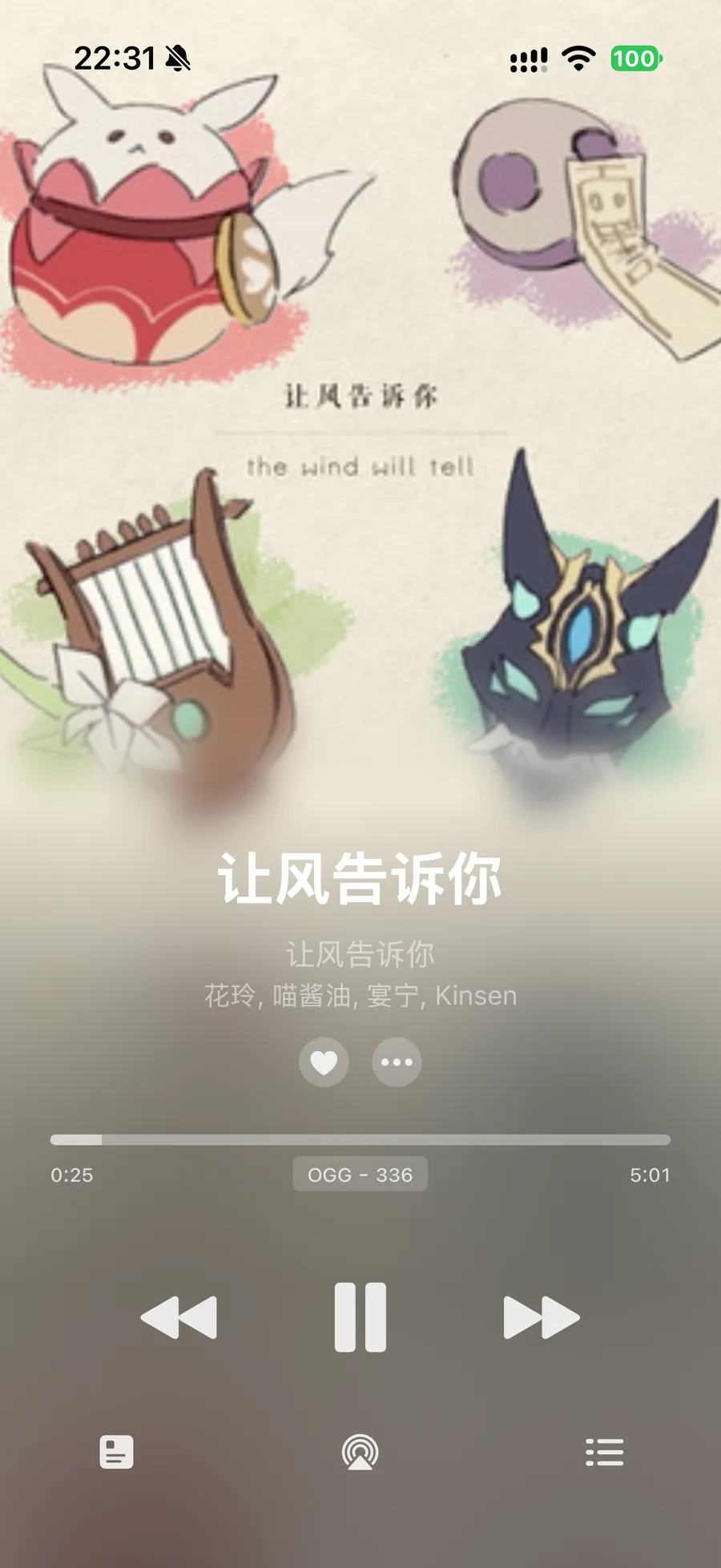
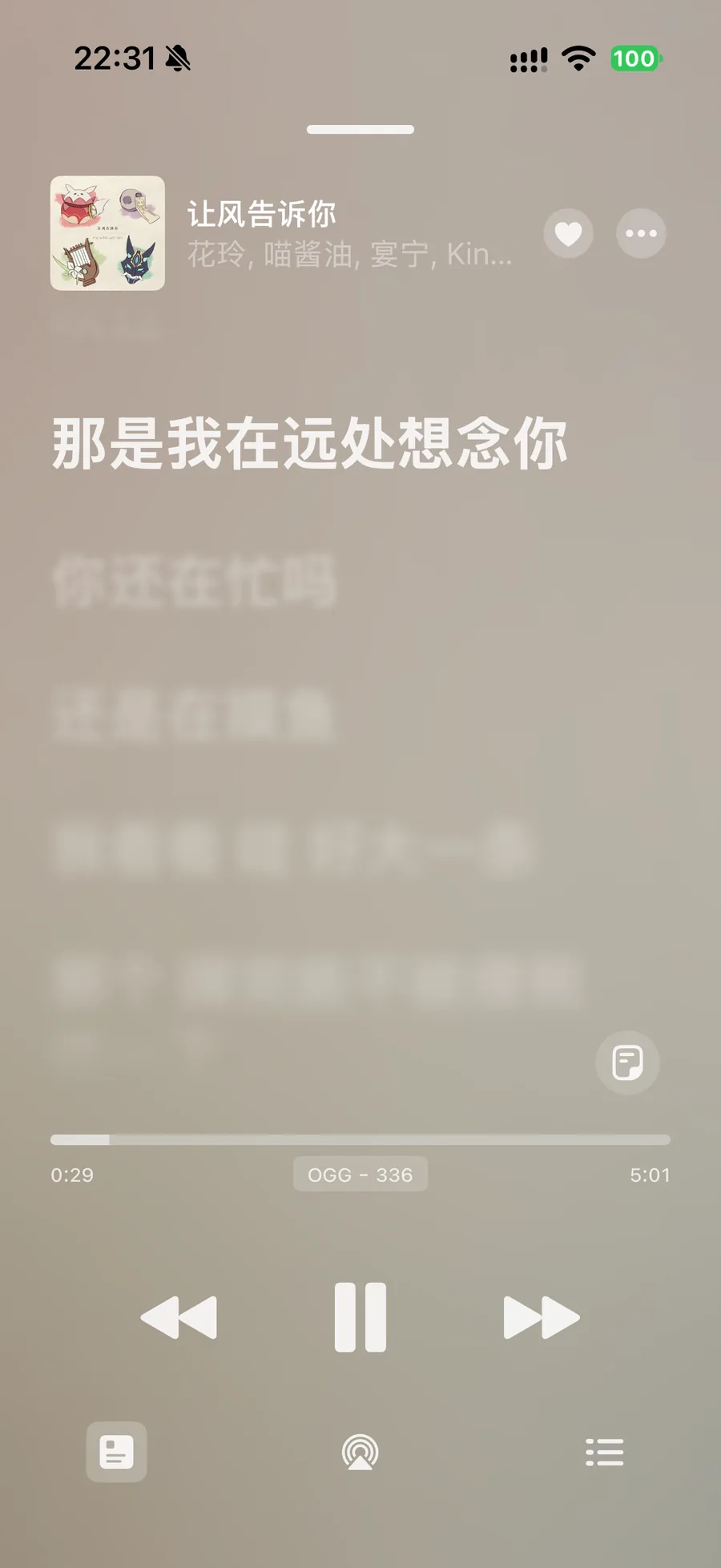
Aduoer connects Wow sources, media servers like Jellyfin and Navidrome, NAS folders and cloud drives into a single native player. Synced lyrics, downloads, Siri and CarPlay come built in.
Interactive preview
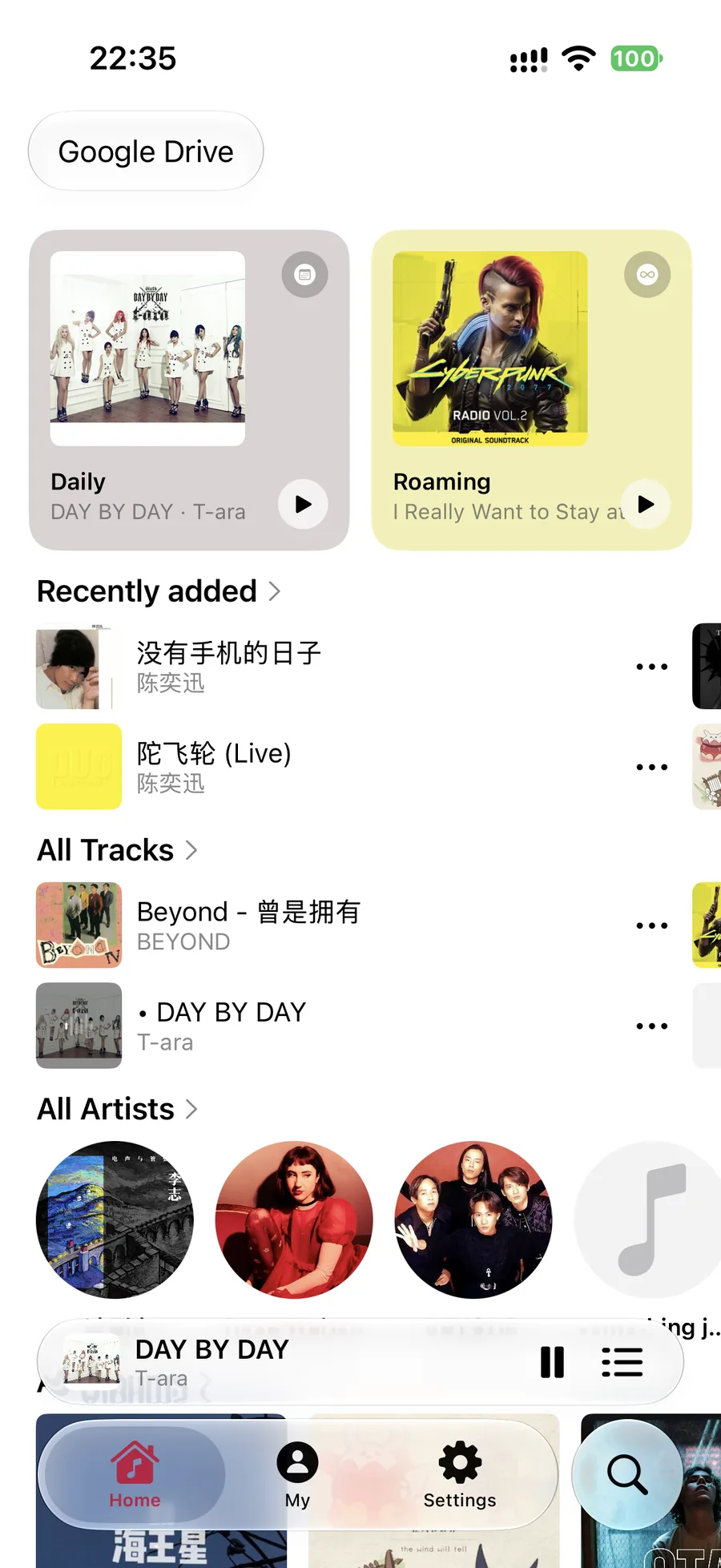
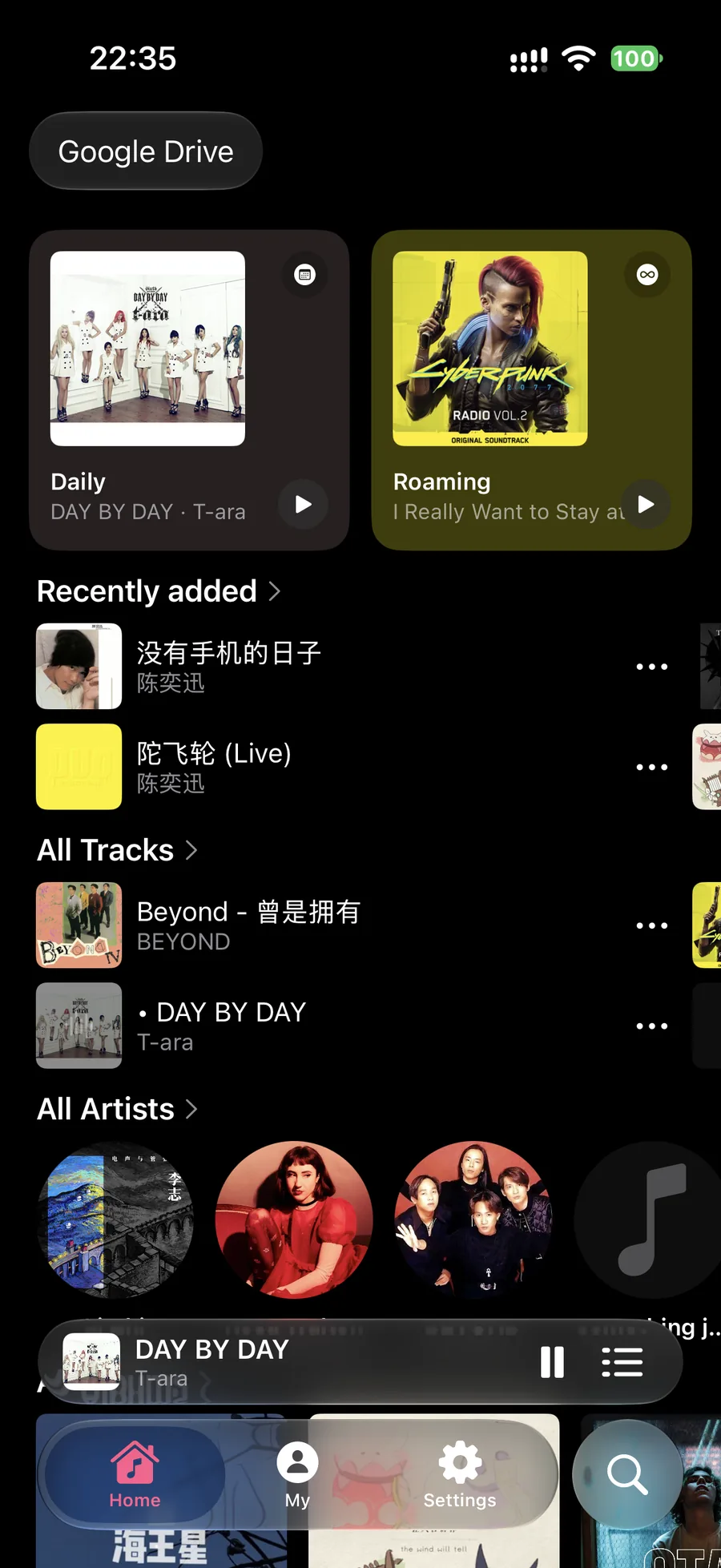
Screens captured from Aduoer for iPhone.
Sources
Add as many sources as you like. Albums, artists, playlists and search work the same way on every one of them, and you can merge them into a single aggregated library.
Passwords and tokens are stored in the system Keychain on your device. Aduoer never stores your credentials.
Streams straight from the server you already run.
Scans folders, reads tags and matches missing metadata.
Signs in with the official login and reads only the folder you pick.
Plays your Apple Music library on iPhone and iPad.
Features
No feed, no ads and nothing deciding for you. Aduoer organizes the music you already have and gets out of the way.
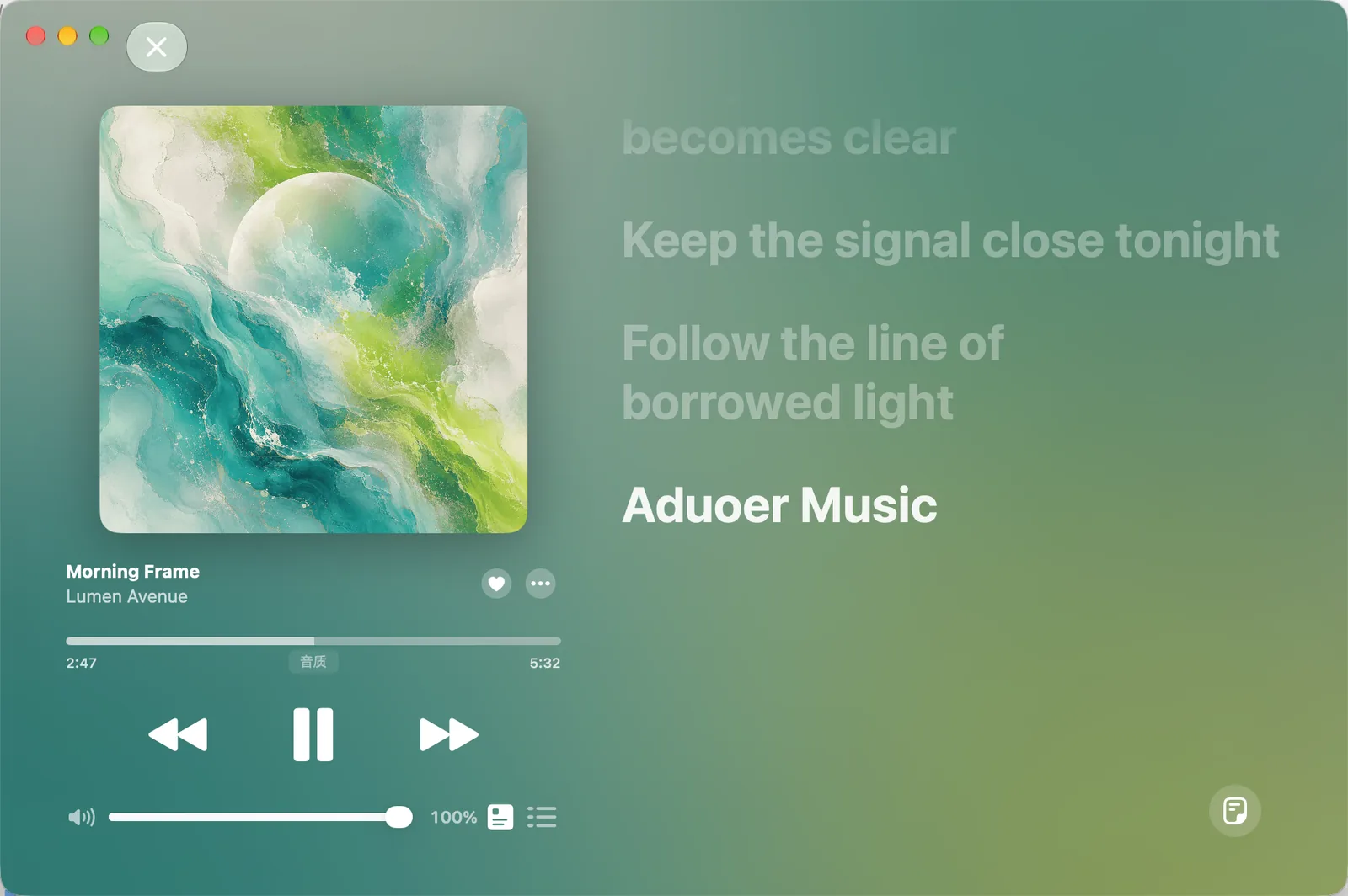
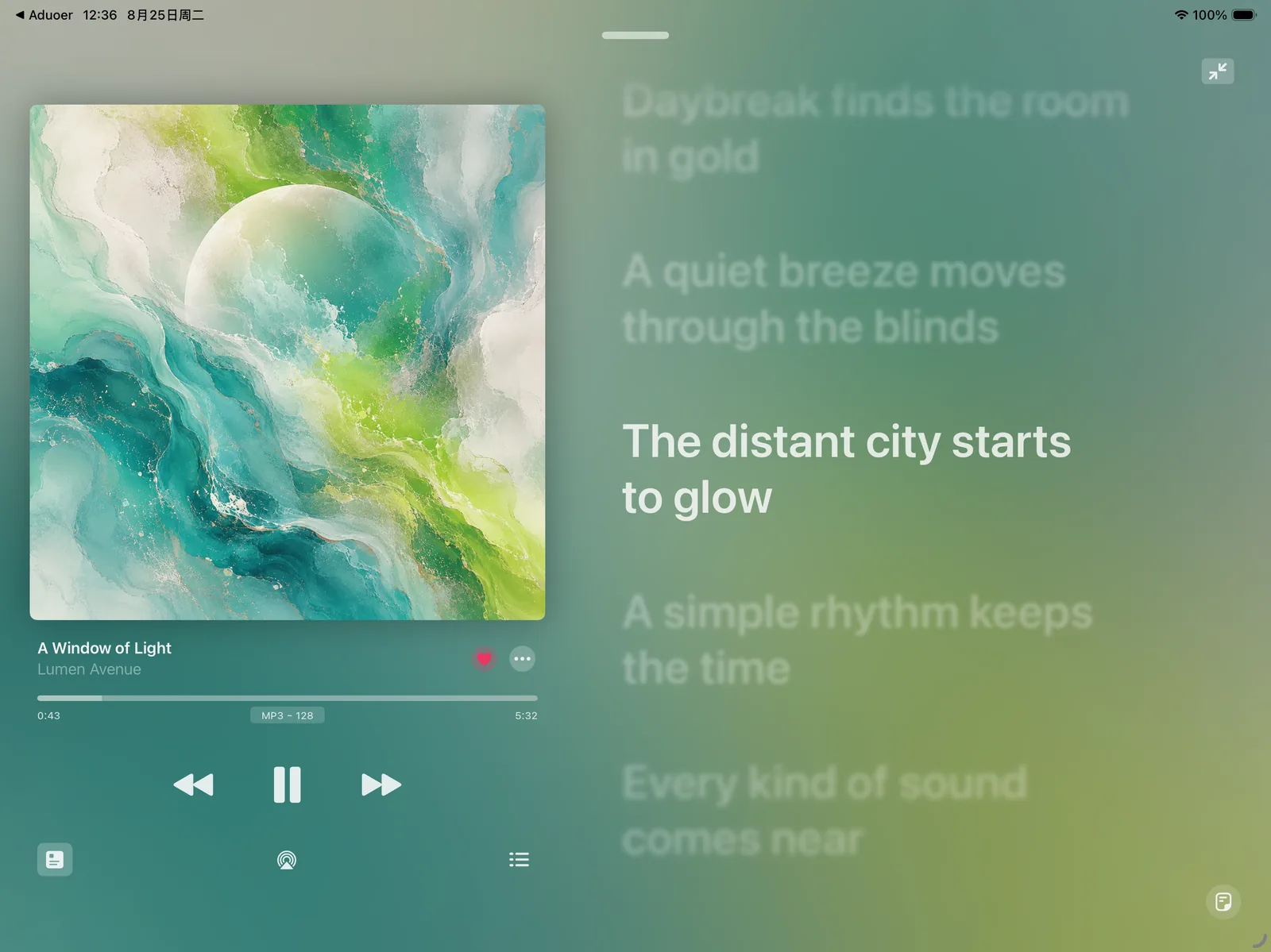
Line-by-line and word-by-word lyrics in a full-screen page that keeps pace with the song.
Add as many sources as you like and switch between them in one tap, or turn on the aggregated library to search every source at once and mix their songs into your favourites and playlists.
Download tracks, albums or whole playlists, manage the queue and keep listening with no connection.
Separate vocals and accompaniment on your device, adjust the vocal volume and sing along to your favourite songs.
Fill in missing tags, covers and lyrics for your files, and write them back to the file when you choose.
Sources, favourites and playlists sync through your private iCloud. Ask Siri to play, build Shortcuts and keep browsing in the car.
Devices
Built with SwiftUI for iPhone, iPad, Mac and Apple TV, with CarPlay for the road. Each device gets its own layout instead of a stretched phone app.
Your library, play history and credentials stay on your device. There is no Aduoer account, no advertising and no cross-app tracking.
Free to download. Aduoer is in active development and the project is open on GitHub.